Group viewings with full control over who shows up
Hot listing, thirty interested buyers, one afternoon. With EasyViewing you decide exactly how many people attend each slot. The system enforces the limit, manages the waitlist, and sends reminders — you just open the door.
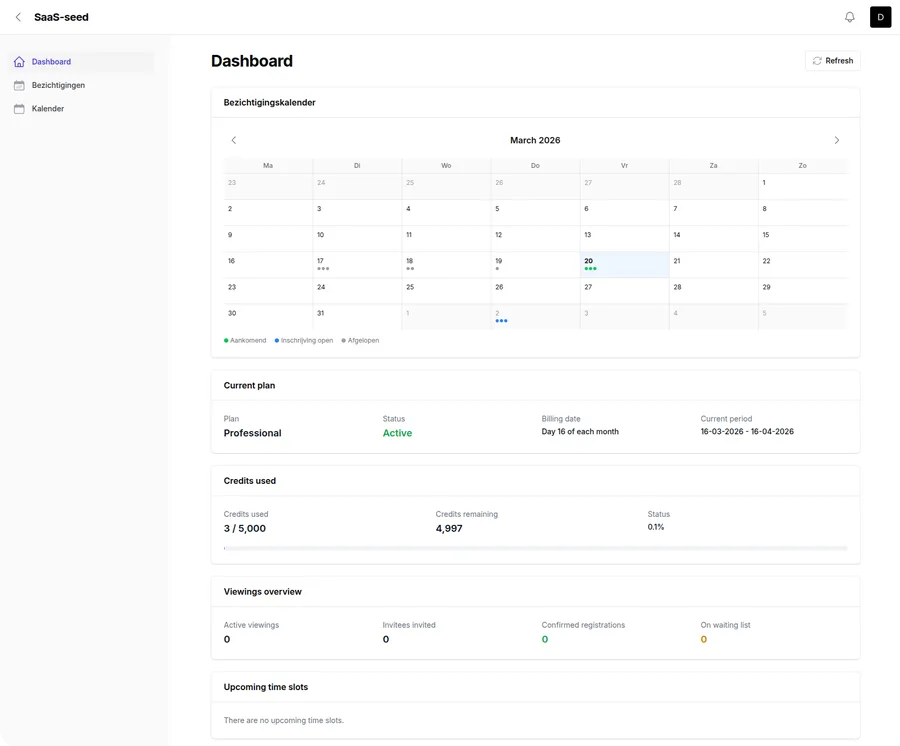
Automatic group size control
Set capacity per time slot
Decide how many viewers each slot can hold — two for a quiet walkthrough, eight for an open house group. The system closes the slot automatically once it is full.
No overbooking possible
Once a slot reaches capacity, no one else can book it. Latecomers join the waitlist instead. No crowd at the front door, no awkward first-come-first-served situations.
Waitlist fills gaps automatically
When someone cancels, the next person on the waitlist is promoted and confirmed instantly. Your slot stays full without any effort from you.
Multiple slots, different sizes
Create as many time slots as you need, each with its own capacity. Run small private viewings in the morning and larger groups in the afternoon — all within a single event.
Live slot overview
See at a glance how many people are booked per slot, how many spots remain, and how many are waiting. Always know exactly where you stand.
Confirmed attendee list per group
When registration closes, you receive a clean list of confirmed attendees grouped by time slot. Take it to the viewing and know exactly who to expect at each time.
I once had fifteen people turn up at the same time for a popular flat. Now I schedule groups of four and every viewing is calm and professional. The buyers appreciate it and I can actually talk to each of them properly.
Estate agent
Residential sales, UK
The scheduling runs itself
Automated invitations
Upload your contact list or add invitees manually. EasyViewing sends each person a personalised invitation with a unique booking link — no phone calls, no chasing.
Invitees pick their own group
Each invitee sees which slots still have availability and picks the time that works for them. No coordination needed from your side.
Day-before reminders
Every confirmed attendee gets an automatic reminder the day before. Fewer no-shows means your carefully planned groups actually show up at full strength.
Your branding throughout
Your agency name, logo, and contact details appear in every invitation, confirmation, and reminder. Professional and recognisable, even at high volume.
Frequently asked questions about group viewings
How many people can I allow per group?
You set the maximum group size per time slot. This can differ between slots: two for a private viewing, ten for an open house group. The system enforces the limit automatically and closes the slot once it is full.
What happens when more people want to attend than there are spots?
Invitees who try to book a full slot are placed on the waitlist automatically. When someone cancels, the next person on the list is promoted and notified. You can also add extra time slots if demand exceeds expectations.
Can I change the group size after publishing the event?
Yes. You can increase or decrease the capacity of a time slot while registration is open. If you increase capacity, waitlisted invitees are promoted automatically.
How do I prevent uninvited visitors from showing up?
EasyViewing uses personal invitations. Only people who received an invitation email can book a time slot. This keeps your attendee list controlled and prevents unexpected visitors.
Does this work for one-to-one viewings too?
Yes. Set the capacity to one per slot and you have a private viewing. Same tool, same automation — just a smaller group.
Can I see the occupancy of each slot in real time?
Yes. Your dashboard shows the number of confirmed bookings, remaining spots, and waitlist size for every time slot at a glance.
Coming soon
EasyViewing is currently in development. Drop us your email and we will let you know as soon as it launches — or sign up for the beta.